What breaks if I rename or delete this field?
How to see every visual a rename or delete would break, across all the reports on a model, and find the ones already showing "Something's wrong with one or more fields".
Why renames break reports
A report refers to the model's columns and measures by name. Rename a measure in the model and every report that is live-connected to it keeps asking for the old name. The visual then shows the grey box with "Something's wrong with one or more fields", and its Fix this button removes the field rather than finding the new one.3
“Everything works fine in the dataset/report itself but all my related reports (based on live connection on this dataset) will not follow. I get an error regarding the "old" measure name.”
"Changing name of a measure results in broken visuals in related reports", Fabric Community, April 2020. Read the thread
The answer from Microsoft in that thread:1
“By design. … Model changes like rename don't flow out to all the reports that could have been created off of them.”
Microsoft, via Community Support, Fabric Community, 2020. Read the thread
Impact analysis in the Power BI service tells you how many reports might be affected, not which visuals use the field.2 Renames are becoming more common as teams tidy names for Copilot, and the answer hasn't changed:
“Mostly, named improperly for AI. Is there a way to rename measures without breaking every report that uses them?”
r/PowerBI, January 2026. Read the thread
“No. … Sounds like it's time for a "V2" model.”
Reply from a Microsoft employee, r/PowerBI, January 2026. Read the thread
How to check before you change it
TrailsBI reads the model and the reports as files, so you can check a change before anyone opens a report.
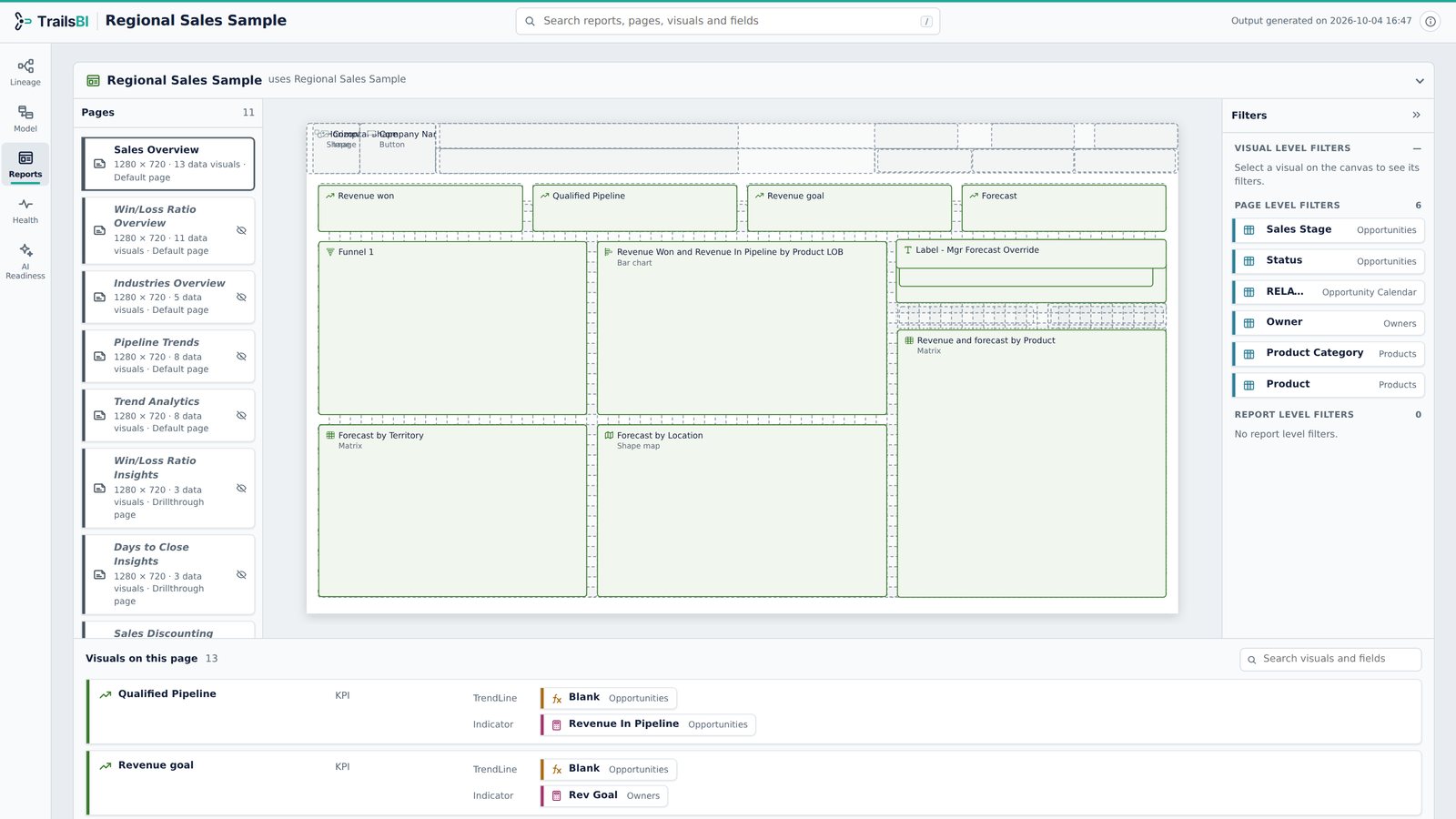
- Before the change, select the field in the Lineage view to see every visual and page that uses it, in every report you gave TrailsBI.
- Make the change in the Power BI project.
- Run TrailsBI again on the model and its reports:
trailsbi "D:\Git\Sales workspace" --model "Sales" --with-reports - In the Health view, "Fields missing from the semantic model" lists every visual and filter that still refers to a name the model no longer has. The Reports view shows each one on its page.
What it doesn't see
- Reports that aren't saved as Power BI projects in the folders you give it.
- Excel workbooks and paginated reports connected to the model.
- It finds what would break. It doesn't rename fields or repair visuals for you.
Questions
Why do reports break when I rename a measure?
Reports refer to columns and measures by name. When the name changes in the model, live-connected reports still ask for the old name and the visual shows an error. Microsoft describes this as by design.
Can I check a change before I publish it?
Yes. Make the change in the project, run TrailsBI on the model and its reports, and look at "Fields missing from the semantic model" in the Health view. Every visual that refers to the old name is listed.
Does Power BI's impact analysis not do this?
Impact analysis counts the workspaces, reports and dashboards that might be affected. It doesn't say which visuals use the field, it needs write permission, and it can't follow a model in another workspace.
Renaming fields to make them clearer for Copilot sounds risky. Is it?
It is the same risk as any rename. Check first which visuals use each field, rename, then confirm nothing is listed as missing.